1
Step 1 of 10
Prepare the Android TV device
Use the television's built-in Android TV system or connect your compatible Android TV box or stick to the television.
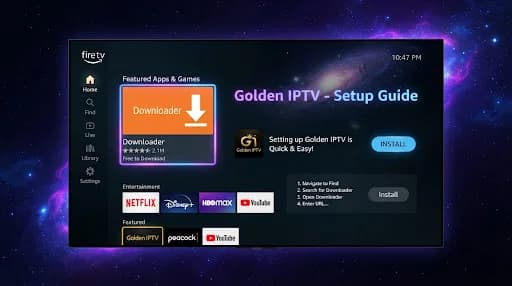
Set up Golden IPTV on a compatible television, box or stick running Android TV using an IPTV player available for your device.
Use the television's built-in Android TV system or connect your compatible Android TV box or stick to the television.
Open the Android TV network settings and connect through reliable Wi-Fi or Ethernet where supported.
If the device is new, finish the normal Android TV setup and Google account prompts required to access its applications.
Open Google Play or the supported application store available on the Android TV device.
Search for a suitable player such as IPTV Smarters, TiviMate, XCIPTV, IBO Player, SmartOne IPTV or Flix IPTV. Availability can vary by device and region.
Install the available application from the supported store, then launch it and review the setup options it provides.
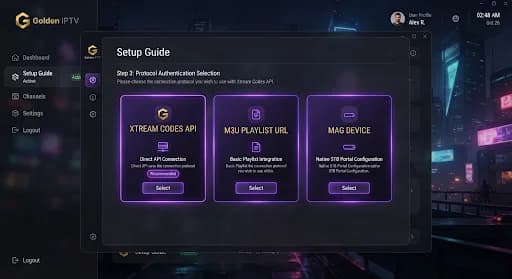
Enter the supplied Xtream Codes details, M3U URL or other configuration information supported by the selected application.
Follow the player's prompts to save the configuration and allow the available content to load.
Open a channel or on-demand item to confirm that the application, configuration and internet connection are working.
If playback does not work, verify the network and supplied setup details, restart the application, and contact Golden IPTV support if you need assistance.
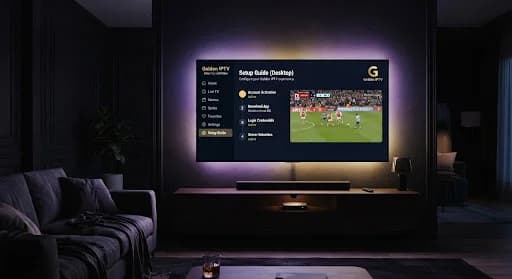
Depending on your device and store availability, options may include IPTV Smarters, TiviMate, XCIPTV, IBO Player, SmartOne IPTV or Flix IPTV.
Golden IPTV can provide Xtream Codes details, an M3U URL or other supported configuration information depending on the selected player.
The setup can apply to compatible televisions with Android TV built in as well as supported Android TV boxes and sticks.
Golden IPTV support can help you choose a suitable player and guide you through its configuration.