Installation
How to Install IPTV
General installation steps plus links to device-specific guidance.
Open guideChoose a platform or practical help topic for step-by-step guidance using the routes already available in this project.
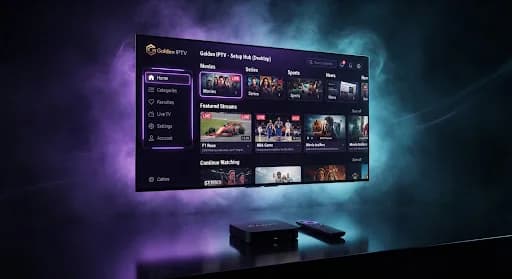 Setup guide preview
Search the real installation, troubleshooting and device guide routes. Each card opens published repository content.
General installation steps plus links to device-specific guidance.
Open guidePractical checks for internet, Wi-Fi, device and playback problems.
Open guideUnderstand how connection speed and network conditions affect streaming.
Open guideSetup guidance for Samsung Smart TV models.
Open guideSetup guidance for LG Smart TV models.
Open guideSetup guidance for Amazon Fire TV and Firestick devices.
Open guideSetup guidance for Android TV and Android TV boxes.
Open guideSetup guidance for Apple TV devices.
Open guideThe exact fields vary by the compatible application you choose. Enter only the setup information supplied with your trial or subscription.
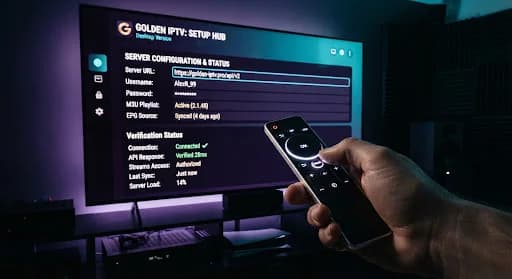
If you are unsure which field to use, contact Golden IPTV through the real support channel before sharing account information.
Use the setup information supplied with your Golden IPTV trial or subscription. If you need help locating it, contact Golden IPTV through WhatsApp.
Choose the guide that matches your television or streaming device. The supported routes cover Samsung Smart TV, LG Smart TV, Firestick, Android TV and Apple TV.
Start with the IPTV buffering guide and check your internet connection, Wi-Fi conditions and device performance.
Use WhatsApp for setup questions or open the contact page for the available support paths.