1
Step 1 of 10
Check other websites and streaming services
This helps determine whether the issue affects the overall internet connection or only IPTV playback.
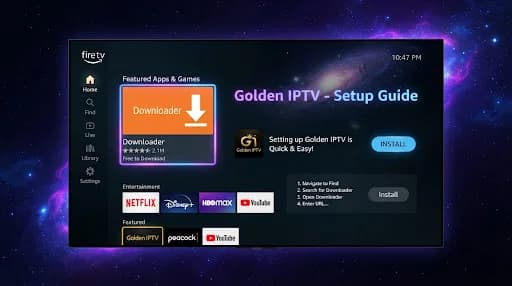
Work through practical checks for the connection, Wi-Fi network, streaming device and application, testing playback after each major change.
This helps determine whether the issue affects the overall internet connection or only IPTV playback.
Close the application completely and reopen it to clear a temporary glitch.
Power the device off, wait briefly and turn it back on before testing again.
Unplug the router for about 30 seconds, reconnect it and wait for the internet connection to return.
Move closer to the router or test a wired Ethernet connection where practical.
Pause downloads and other streams temporarily to see whether playback improves.
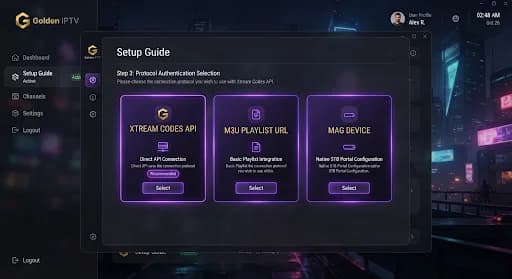
Use Ethernet or another reliable network to determine whether the issue is network-related.
Install available updates for the IPTV application and streaming device.
Confirm that the credentials or configuration information were entered exactly as supplied.
Checking playback after each step helps identify which change affected the issue.

Internet speed or connection stability may not be sufficient for smooth streaming.
Distance, walls or interference can reduce the signal reaching the streaming device.
High traffic on the home network or ISP network can affect performance.
Other streams and downloads reduce the bandwidth available for IPTV.
Older devices or devices running many applications may struggle with playback.
An application update, router setting or temporary network fault may affect playback.