1
Step 1 of 8
Connect the Samsung TV to the internet
Open the television network settings and connect through reliable Wi-Fi or Ethernet where available.
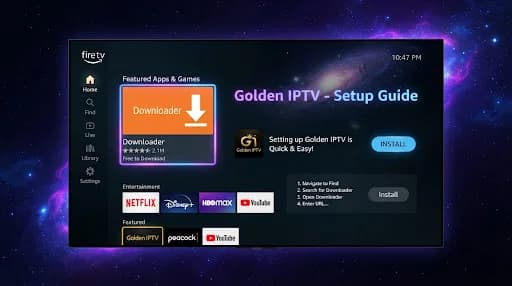
Set up Golden IPTV on a compatible Samsung Smart TV using an IPTV application available for your specific television model and region.
Open the television network settings and connect through reliable Wi-Fi or Ethernet where available.
Use the Apps section on the television and search for a compatible IPTV player.
Look for IBO Player, SmartOne IPTV, Flix IPTV, IPTV Smarters or SamiPlayer. Availability can vary by Samsung model and region.
If your preferred player is not offered on your television, choose another compatible IPTV application available in the Samsung app store.
Launch the installed player and identify which setup method it supports.
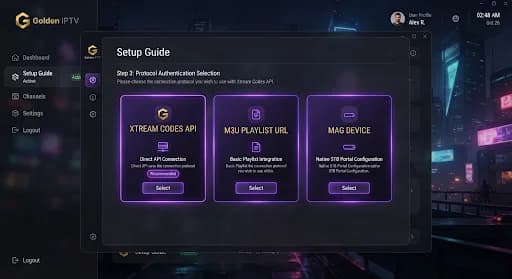
Enter the supplied Xtream Codes details, M3U URL, or use the application's MAC/Device Key portal method, depending on the selected player.
Follow the application's prompts to save the configuration and allow the available content to load.
Open a channel or on-demand item to confirm that the application, configuration and internet connection are working.
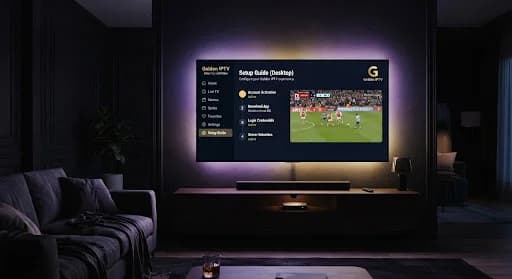
Depending on your TV and app-store availability, options may include IBO Player, SmartOne IPTV, Flix IPTV, IPTV Smarters or SamiPlayer.
Golden IPTV can provide the appropriate Xtream Codes details, M3U URL or MAC/Device Key setup information depending on the application.
Have the Golden IPTV trial or subscription information available before starting configuration.
Golden IPTV support can help you choose a suitable available application and guide you through its setup.